Become a Senior Frontend Developer — by actually mastering JavaScript
Step-by-step lessons that take you from fundamentals to building real components, so you can read any codebase, fix what breaks, and tell when AI gets it wrong.
Most JavaScript courses teach you concepts and leave you to figure out the rest. You watch the videos, nod along, then freeze when you try to build something real.
And now there’s a new way to get stuck. You ask AI to build it. The code looks right. Then it breaks, and you have no idea why. So you paste the error back, it spirals, and you end up more lost than when you started.
Let’s not do that.
Through Learn JavaScript, I learned that I’m actually capable of programming, and I’m not just a design, HTML, and CSS guy.
I’m only halfway through the course, but I was able to learn Vue in 1.5 days, pass an interview test, and get a senior-level frontend development job.

Michael Levett
Trusted by Industry Professionals and Publications
I wish Learn JavaScript was around when I first tried to learn JavaScript. It changed the way I approach JavaScript — now, I actually know what I’m doing when I write it.
It’s one thing to learn what an Array is. But it’s another to build a real component and go: “Oh, so that’s why I need to know what the hell an Array is!”

Kevin Powell
Zell wants you to know what he knows, not just be impressed by it. That’s rare — and it makes him a natural teacher.

Heydon Pickering
If you’re looking to learn JavaScript, Zell made a course that shows how to build 20 real components from scratch, step by step.
Zell is a really fun person too, so that helps when you’re trying to learn :)

Sarah Drasner
Your articles are honestly the best resources out there! They have really helped 100Devs folx understand topics that are always stumbling blocks for new devs.

Leon Noel
Zell can explain even the most technical jargon in approachable, fun ways. I’ve taken his courses and always look forward to his writing because I know I’ll walk away a better front-ender.

Geoff Graham
351 lessons, 20 components, a promise of bringing you from zero to expert, building up your confidence, letting you make anything in JS?
And virtually land any junior front-end position where you’d earn your investment back in a month?
Seriously. I would have sold my parent’s TV for this when I started learning JavaScript.

Sarah Dayan
Why JavaScript finally clicks for our students…
…even if they struggled with other courses
I assume you know nothing (and that's the point)
You don’t need to know what a variable is, or even how to include a JavaScript file. This course builds your knowledge from the ground up, so you’ll never feel lost.


Every concept explained in words you actually understand
Most resources throw around terms like higher order functions and closures like you should already know what they mean. I don’t do that here. Every concept gets a simple, plain-English explanation you’ll actually understand. This helps you remember things naturally.
You won’t memorize JavaScript. You’ll just… remember it.
There’s a secret technique to remembering anything easily (besides understanding them).
It’s to connect the concept to something you already know. Like when I teach functions, I compare them it to drawing water from a well.
When something clicks this way, you never forget it.


Step by step. This time for real.
Many other JavaScript courses skip steps in-between, forcing you to google things you don’t understand. Ever been thrown into Object Oriented Programming with no warning? That’s what I mean.
Here, you never have to google to understand anything — I walk you through every step, like a kind teacher holding a toddler’s hands as they learn to walk.
You won't stay a beginner for long
Each lesson builds on the last — you learn something, use it to build a real component, then improve that component with better techniques.
At some point, it hits you that you’re not a beginner anymore. And this point comes sooner than you’d expect.
I finally started to understand how to move on from a beginner level to an intermediate level.
The course doesn’t stop after the first steps. It shows you how to improve the component and include best practices.

Pelle Lundgren
Build 20 real components — Learn to think like a developer
You won’t build throwaway toys here. You’ll create 20 real-world components from scratch — then improve them with advanced techniques and best practices.
For each one, I explain what you need to know, why, and how to write each line of code to build the component. Then I show you how to refactor them.
You’ll absorb the process as you go — and that’s how you start thinking like a developer before you even know it.
This is the first course where I learned which parts of JavaScript actually matter.
I used what I learned to create real components. It’s satisfying to see my code doing something of real, practical use.

Jake Chiam
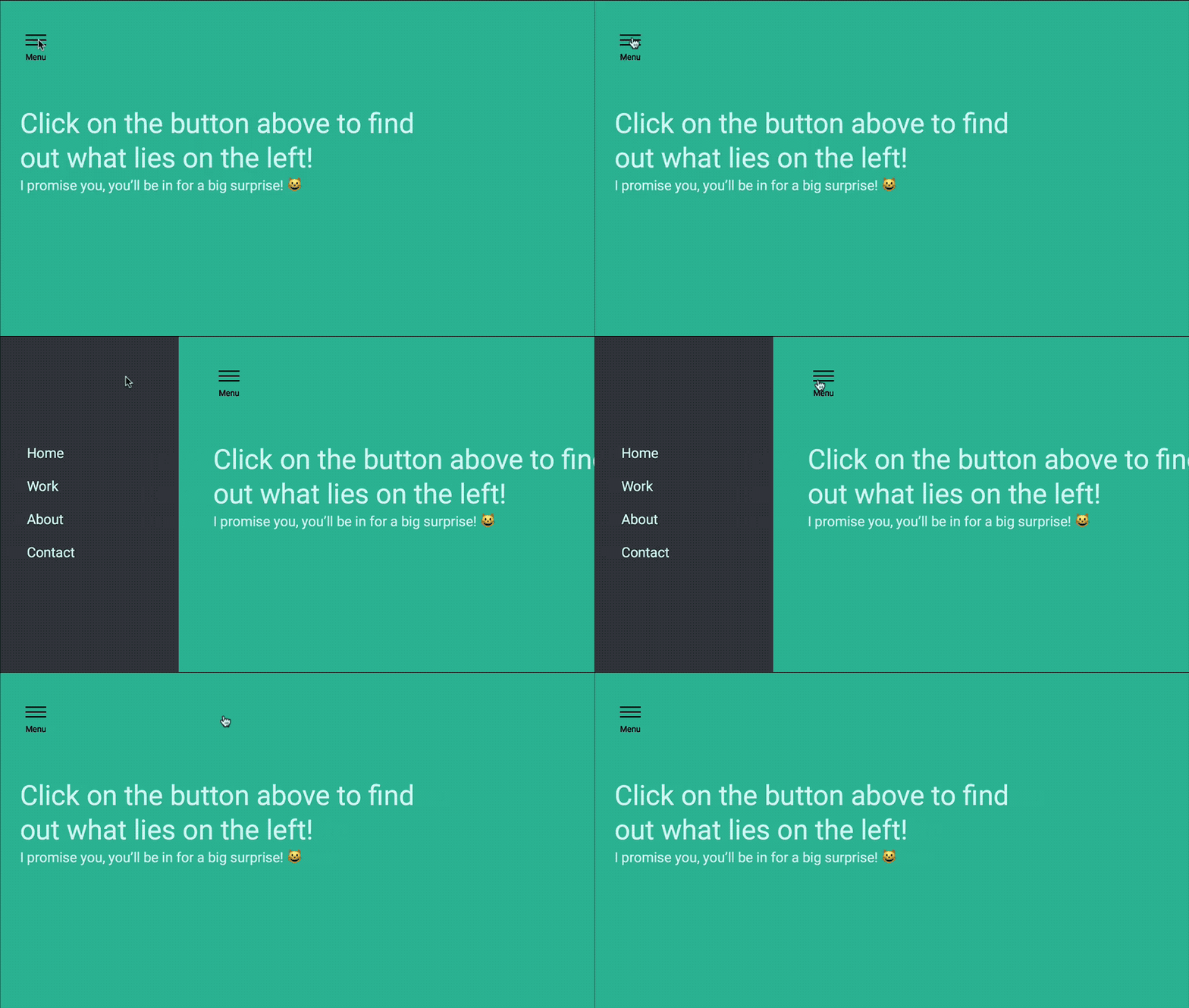
Off Canvas Navigation
The simplest and most practical component you can ever build.
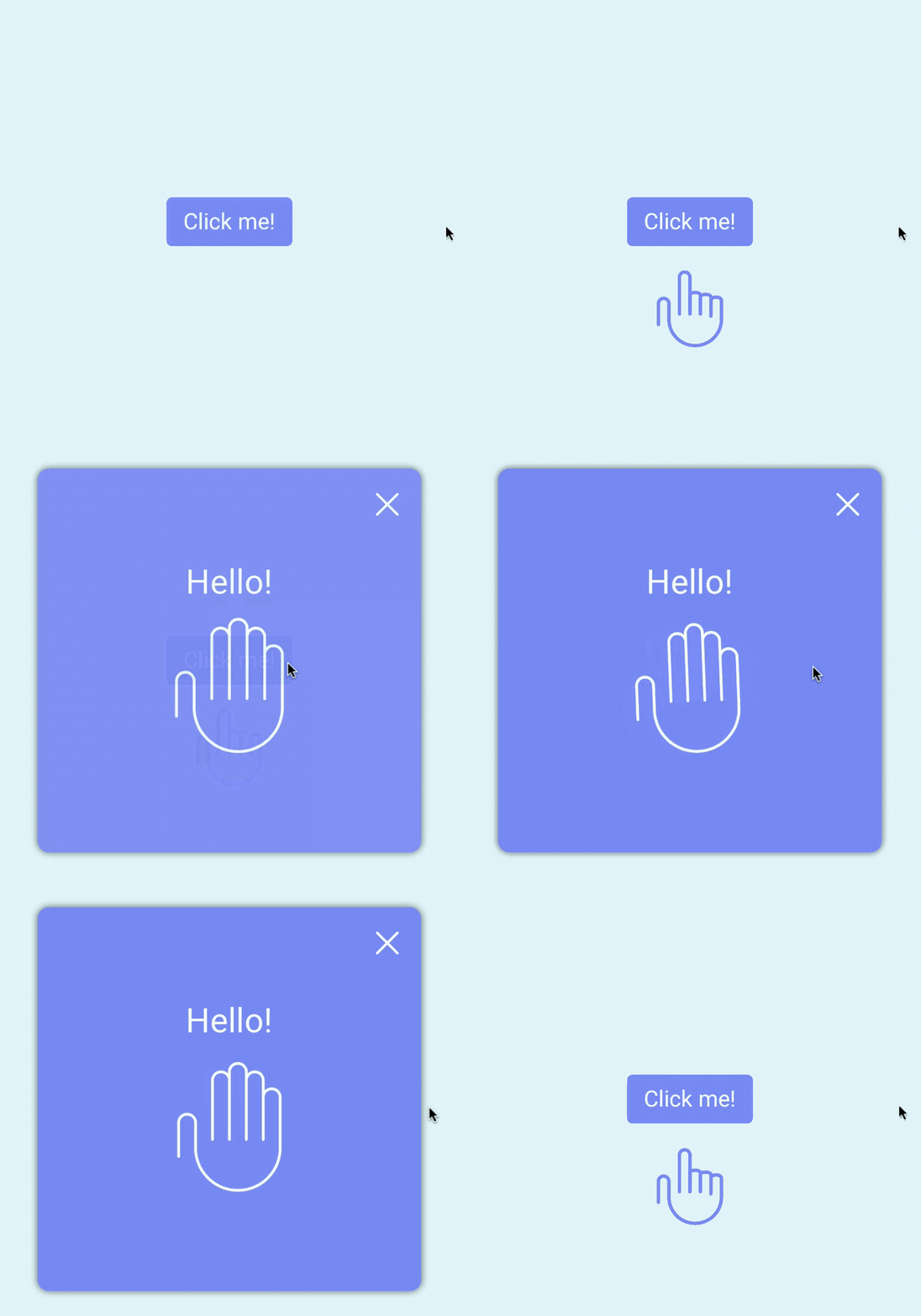
Modal
The second easiest thing to build with JavaScript at the beginning. (It gets complex later).
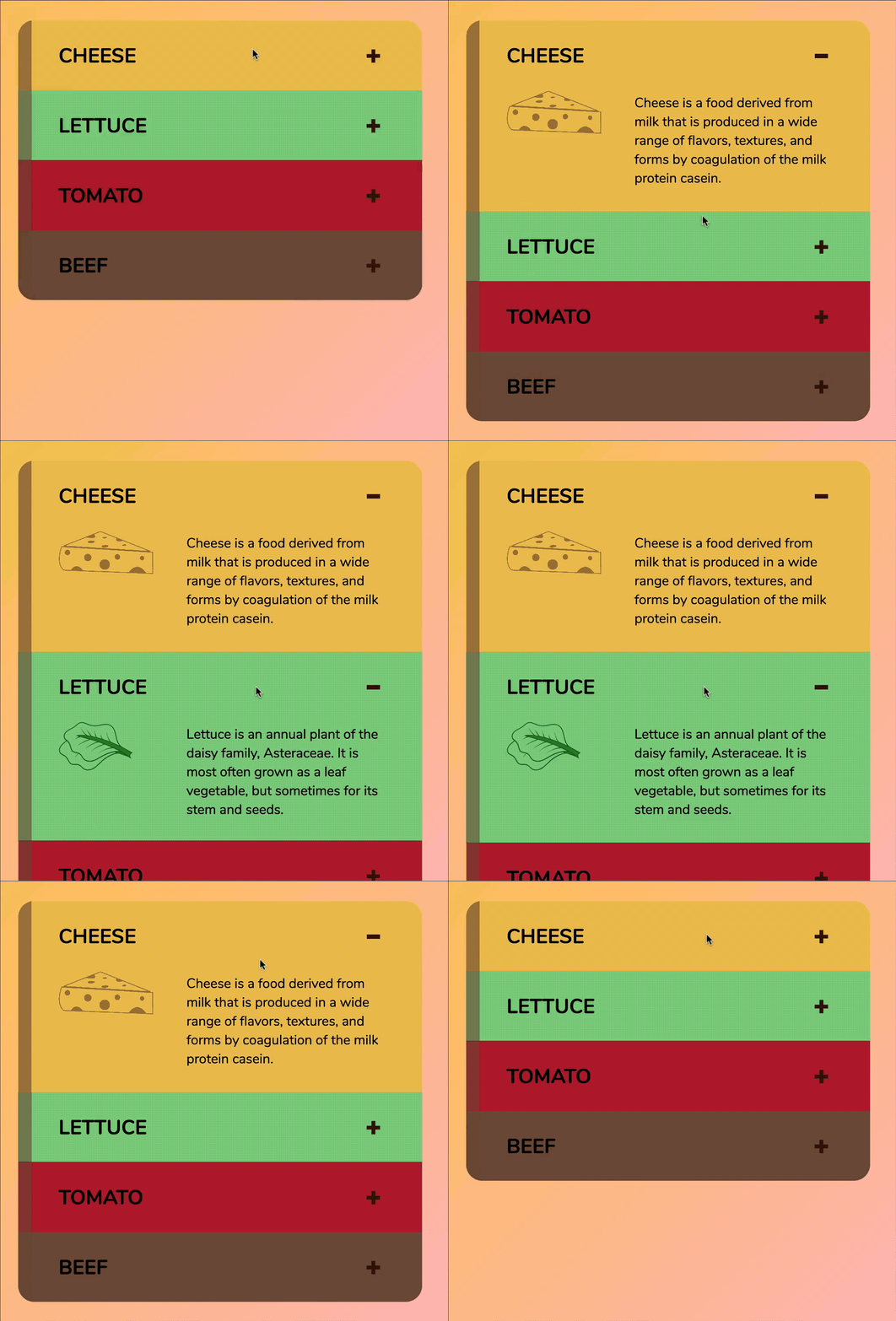
Accordion
Perfect for learning to use loops
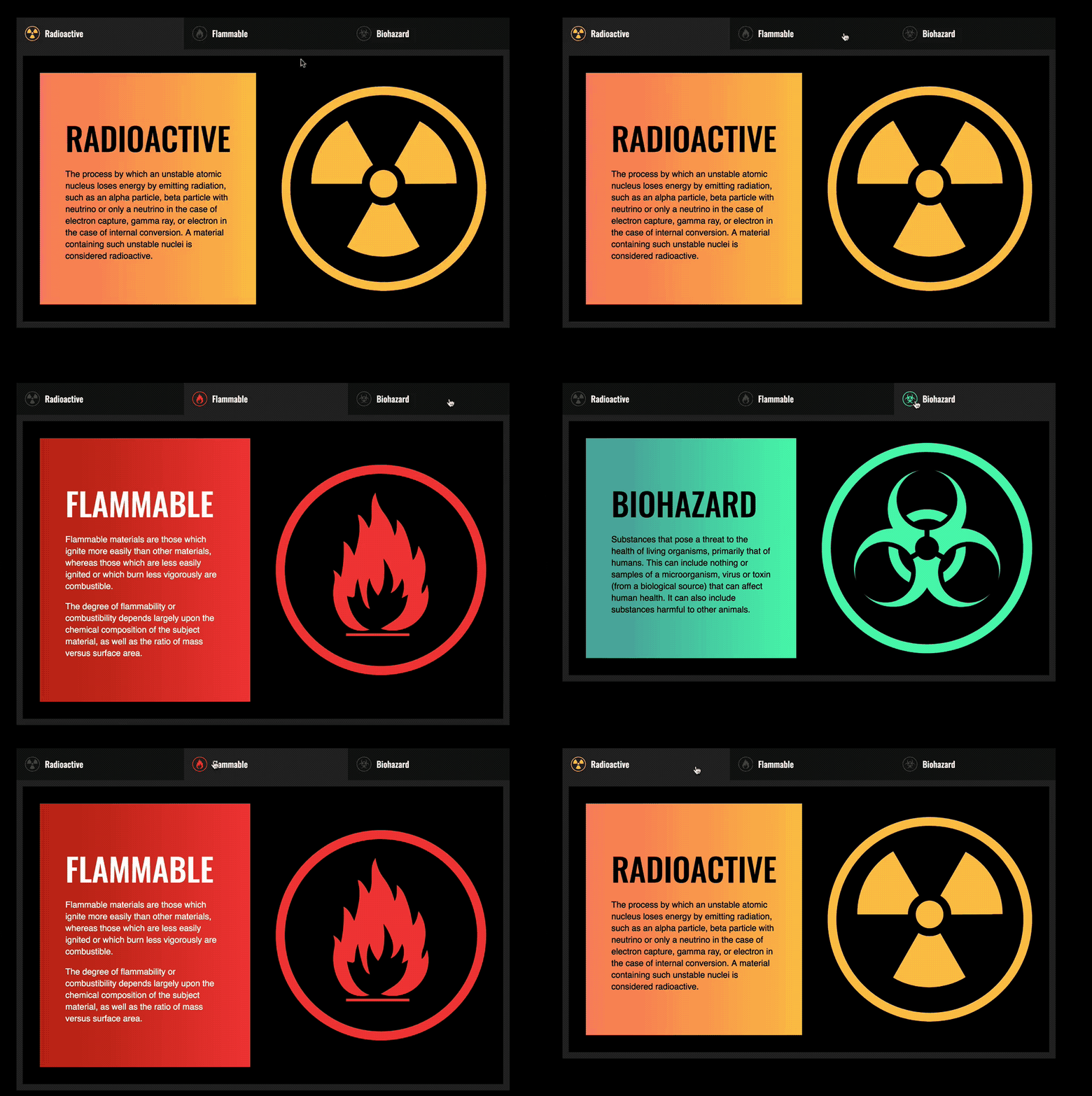
Tabs
Practice loops at the start too — then enhance for accessibility later.
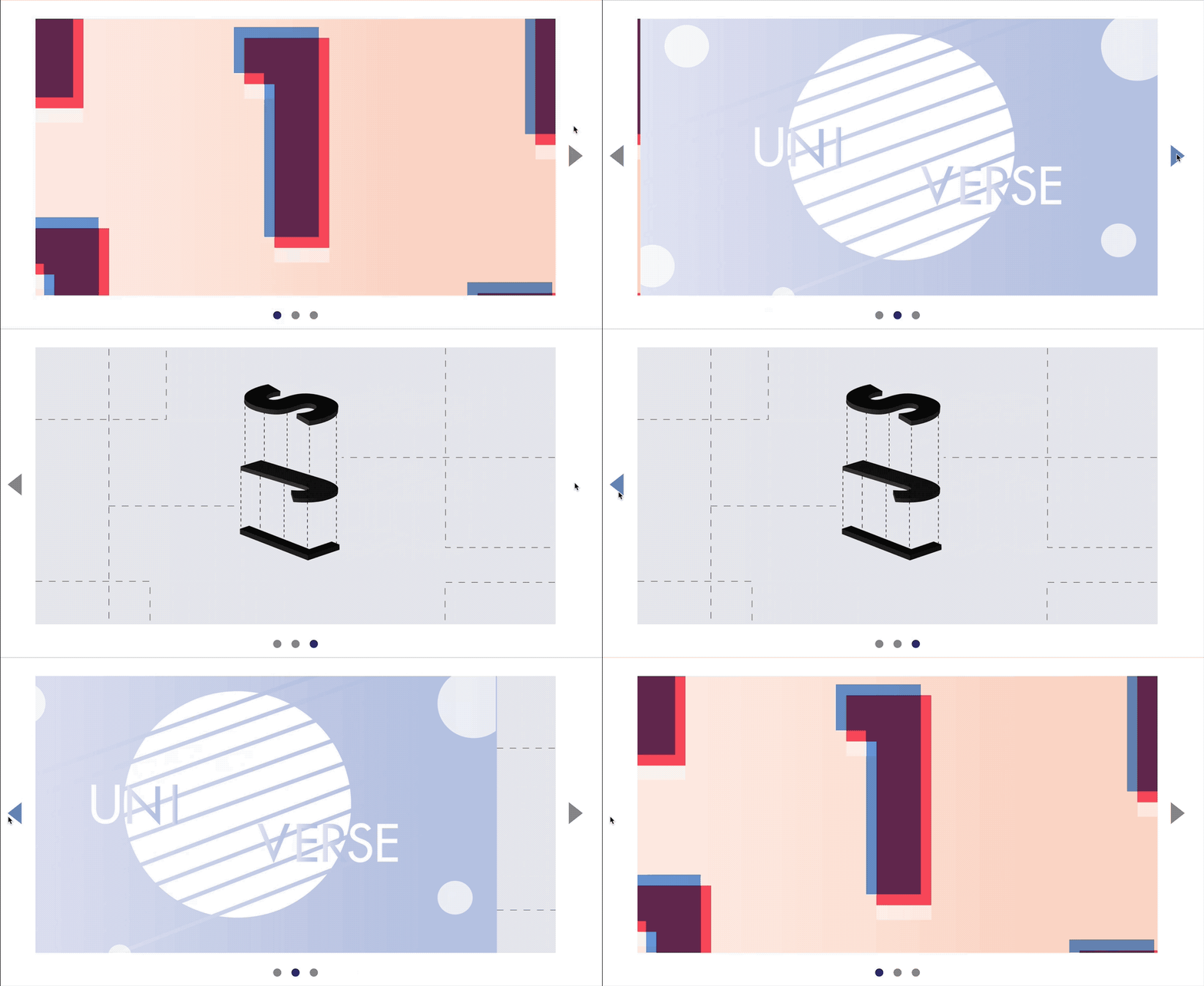
Carousel
Amazing for understanding basic DOM manipulation and event delegation.
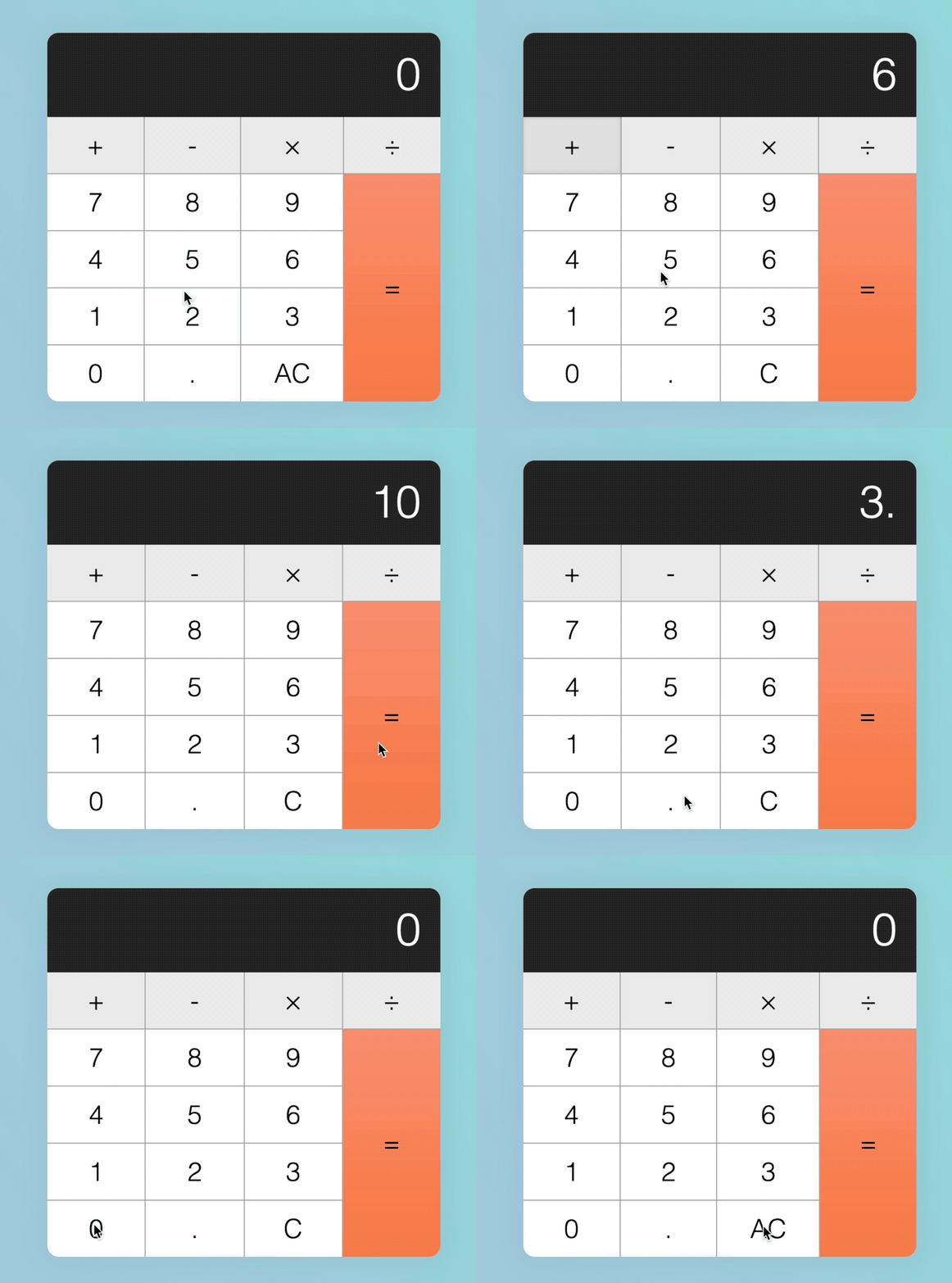
Calculator
Our first real complex component — great for understanding edge cases and refactoring.
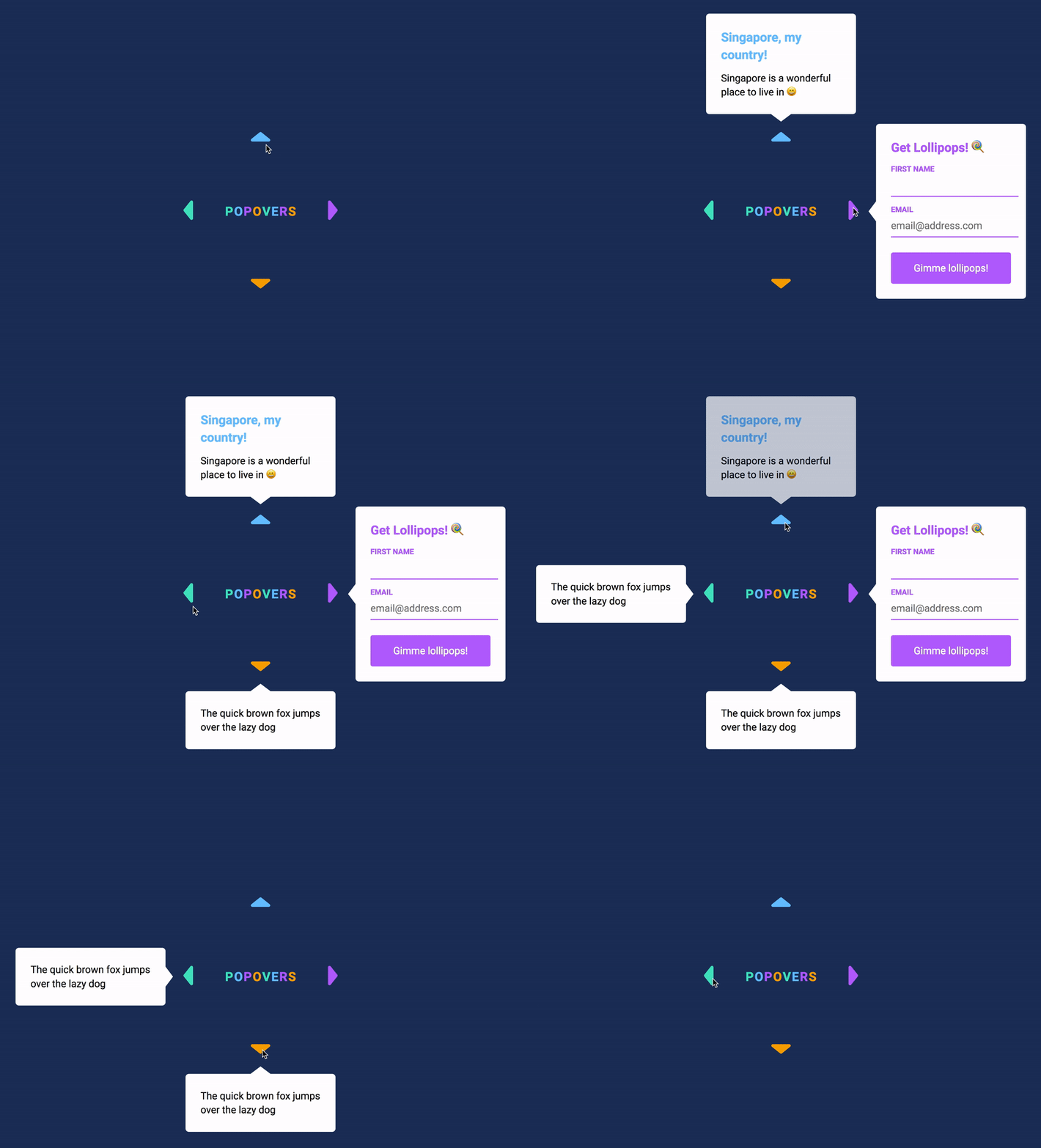
Popover
Placing things with exact precision is one of the important aspects you have to understand to build good UI. We explore this in the Popover.
(We don't use the Popover API for this one).
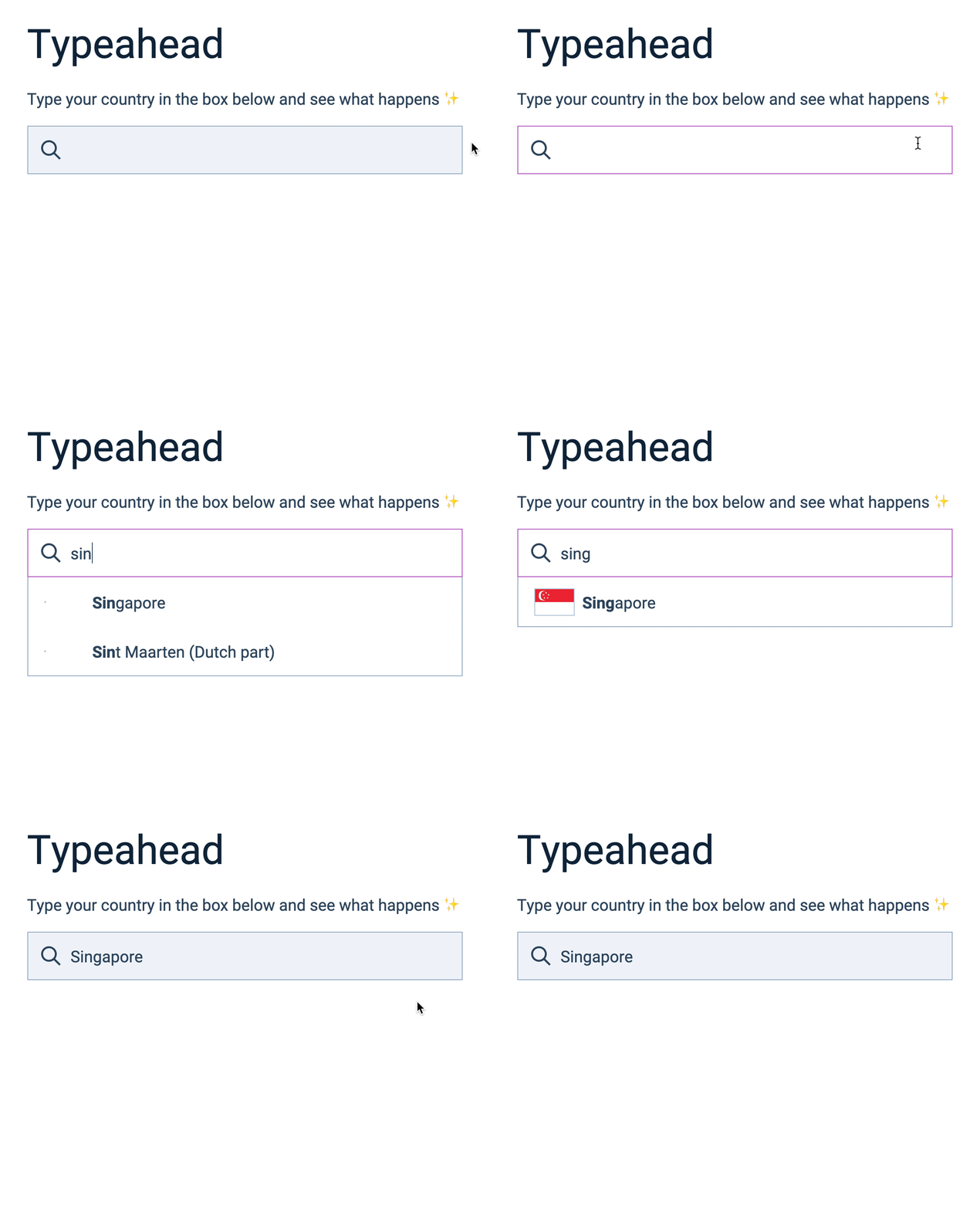
Typeahead / Autocomplete
We explore how to create HTML elements, how to place them into the DOM, and also how to filter data — all these are important concepts for later components.
Google Maps Clone
Learn to create a Google Maps component with Google Maps API — you’ll feel accomplished for doing something really complex.
Todolist
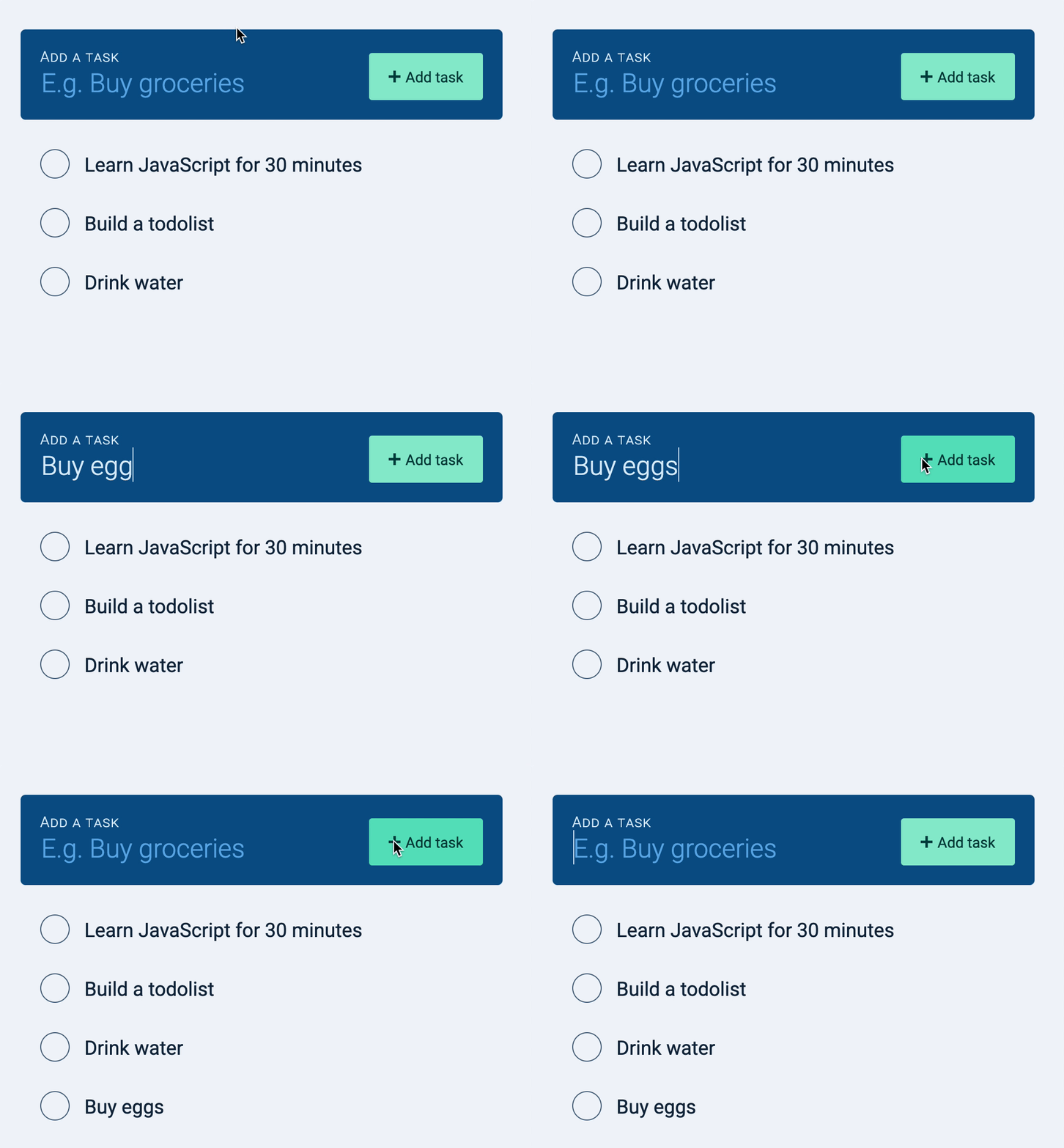
The Todolist gives you the opportunity to build a real app with Async JS and REST API — optimistic UI included!
Dota Heroes Page
Here we play with a real public API. You’ll learn to find the data you need, fetch them, and work the data to create a proper app.
Datepicker
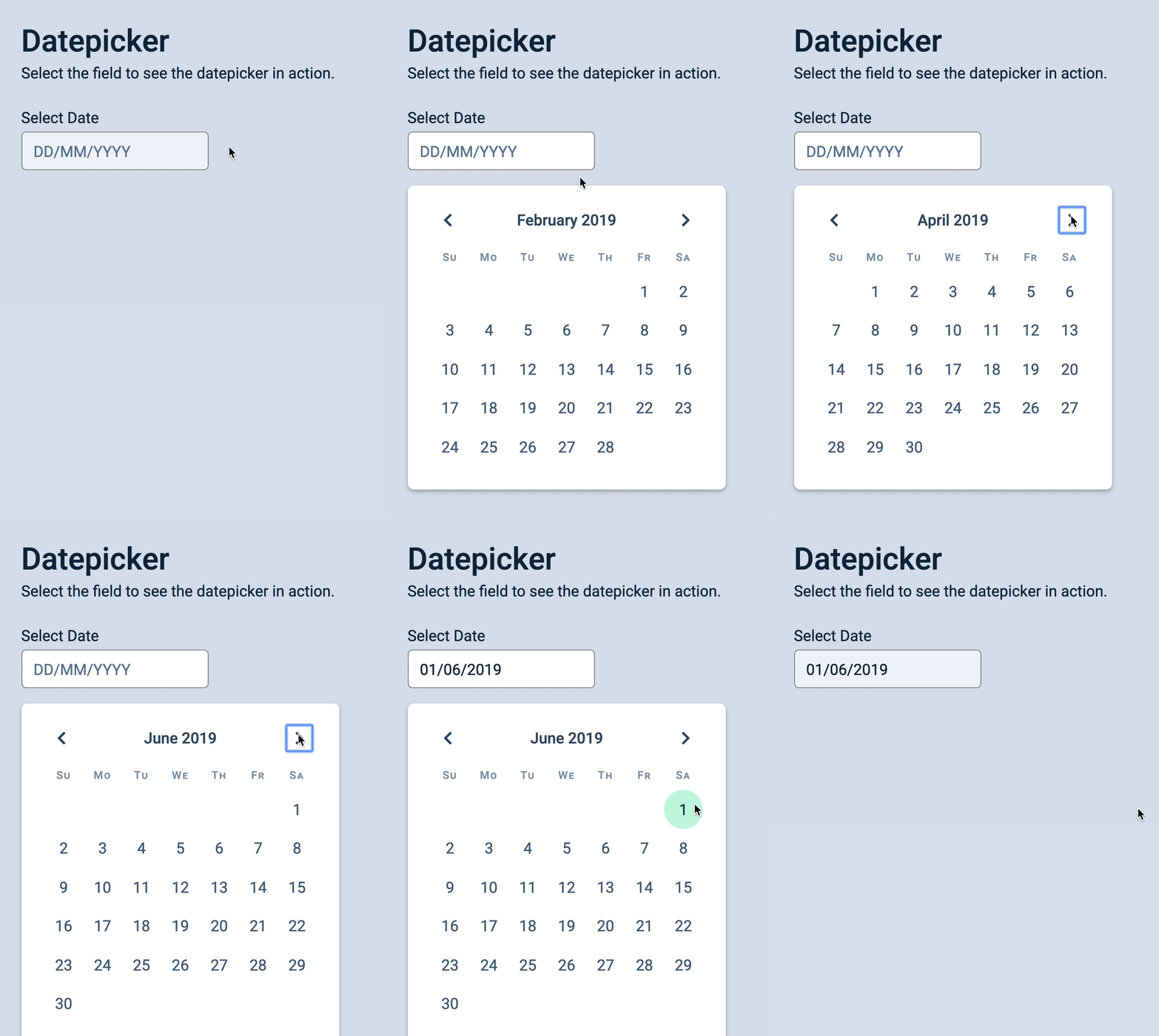
Lots of nifty CSS and JavaScript tricks in this one — including keyboard interactions for power users.
Countdown Timer
Besides just counting down numbers, you learn to work with dates, timeouts, intervals, unix epoch, and Daylight Savings.
Auto Hiding Sticky Nav
This is where we begin to play with basic scroll events — which is useful for delightful interactions.
Slide Reveal
Here you’ll learn to use the Intersection Observer to build scroll-based interactions.
Infinite Scroll
The Infinite Scroll is a useful pattern for loading information after a user scrolls to a certain point.
Spinning Pacman
In this component you learn to use mouse, touch, and pointer events effectively to detect and trace movement. Kinda mesmerizing…
Drag and Drop
Here you’ll learn to use mouse and pointer events to build a drag-and-drop functionally entirely in JavaScript in just 100+ lines of code.
You’ll be amazed by what you can make!
Tiny Framework
Learn to about frameworks by building a framework — so you understand the inner workings and never be confused.
Single Page App
Everything you need to know to build Single Page Applications with JavaScript. This helps you understand routing and url manipulation.
"But can't AI just write JavaScript for me?"
Sure. AI writes JavaScript. A lot of it, and very quickly.
But AI is like a junior developer who lies with confidence. It hands you code that looks right. Half the time it is. The other half it’s subtly broken — and you won’t know which is which unless you can read it yourself.
But when you don’t understand code, you can’t fix what breaks. You can’t tell good code from bad. And you won’t know what to change — other than prompting AI and hoping it gets it right, this time.
The developers who win with AI aren’t the ones who prompt the most. They’re the ones who understand the code well enough to direct AI — to catch their mistakes, steer the architecture, and ship something that actually works.
That’s what this course makes you. Not someone who blindly trusts whatever it spits out — but someone who reads it, judges it, knows exactly what’s wrong, and how to correct things.
Master JavaScript, and AI becomes the best assistant you’ve ever had. Skip it, and you’re just hoping the robot gets it right.
I used to be terrified of JavaScript too

I’m Zell. I taught myself to code, and JavaScript scared the hell out of me for years.
I’d use CSS for everything — checkbox hacks, you name it. Anything to avoid writing a single line of JavaScript.
But deep in my heart, I knew I had to master JavaScript. So I took the plunge. The process was tough — confusing tutorials, missing context, explanations that assumed I already knew things I didn’t.
And when JavaScript finally clicked, something shifted — I stopped second-guessing myself. I started taking on projects I would’ve run from before, because I knew I had what it takes to deliver.
The truth is, people kept asking me to write a JavaScript course. But I kept resisting it, because it felt like a lot of responsibility.
I finally relented, because I couldn’t bear hearing the same pain over and over.
People were…
- getting stuck because they didn’t know enough JavaScript
- taking courses but not getting anywhere (and wasting money in the process)
- feeling stupid and demeaning themselves for not understanding JavaScript
I could hear the screams behind their messages…
Then one day, something snapped and I went f*ck it — I’m going to stop those screams once and for all. So I set out to make the best JavaScript course I could.
I thought it was going to take a few months at first. But nope. It took 4 years to build the course. In those 4 years:
- I ironed out every single explanation that didn’t make sense
- I rearranged chapters after realizing the “standard” teaching order was the problem — one change and entire categories of confusion just disappeared
- I explained why I made every decision so nobody would be lost
- I built every line of code — painstakingly, step by step, so students would absorb the process as they go
And it was worth it. Because students who went through this course stopped struggling with JavaScript and mastered it.
Zell explains things in a way that no other instructor has been able to do in my 15+ years of trying to “self-educate” in the world of Javascript.
Thanks to the things I learned from the course, I have since refactored our style guide at work and I found the confidence to start a Vue project.

Joshua Briley
Let me show you what’s in the course.
The Lesson Plan
22 chapters and 351 lessons that guides you from beginner to expert
Each lesson is bite-sized and takes just a few minutes to read. Have a look around and see what’s inside. (The first 3 chapters are free).
JavaScript and its ecosystem
Put the concepts and ideas in the right places by first understanding the ecosystem.
JS Basics
Get to know the foundational basics where you’ll build the rest of your skills on.
Building simple components
Begin to think like a developer by building simple components.
Arrays and loops
Gain clarity over the most confusing chapter for newbies.
Dom basics
Have full control over the DOM — and make magic happen.
Events deep dive
Gain mastery over Events, which is a core system in Vanilla JavaScript.
Transitions and Animations
Learn to create smooth and buttery animations that enhances everything you build.
Useful JS features
Use the best JavaScript features to make coding much easier
JS Best practices
Use industry-proven best practices to write code that’s easy to read, maintain, and debug
Manipulating text and content
More DOM goodness — which means more power and magic over what you can do.
Handling Forms
Everything you need to know about forms to build websites and apps
Handling Dates
Everything you need to know about Date and Time in JavaScript—without using any libraries.
Async JS
Master almost everything you need about Async JS—except building servers for Rest APIs (which is covered in another course).
Advanced Async JS
Real and practical stuff you’ll need to do, beyond the basics.
Handling Keyboard Events
Make your website and app keyboard accessible, and give power users keyboard shortcuts to play with.
Screen reader accessibility
Everything you need to know about JavaScript accessibilty written for self-taught developers.
Handling Scroll
Learn to add fancy animations that gives your website the zing when a user scrolls.
Mouse, Touch, and Pointer events
Everything you need to know about handling mouse, touch, and pointers.
Object Oriented Programming
Learn about this major JavaScript pillar. We only cover this here because you need sufficient skill before diving into this chapter.
Writing reusable code
Learn to make your code reusable so you can build stuff faster.
Going from Vanilla JS to JS Frameworks
Understand how to use a framework by building one — absolutely overkill, but you emerge with incredibly deep skill and expertise
Building Single Page Apps
Learn everything you need about building Single Page Apps without the use of a framework — another overkill, but you understand what all framework routers do.
This is the course I’ve been needing my whole career. I can now read and understand JavaScript without relying on Google for answers.
And I love having Zell as a mentor. He is patient and willing to teach me and other members of the community

Rich Edmund
Everything you need to finally master JavaScript
Feel free to start with 3 free chapters to see how the lessons feel. Upgrade whenever you’re ready.
Free
Get 3 chapters and experience the lessons for yourself.
-
Lifetime access to 3 chapters (32 lessons) -
Build 2 real components -
Community access
Mastery
Master JavaScript and write code like a senior frontend developer.
-
Lifetime access to all 22 chapters (351 lessons) -
Build 20 real components. -
Community access
All Courses
Access all our courses — from JavaScript to CSS to Typography and beyond.
-
Everything in Learn JavaScript -
Access all our courses -
Community access
Here’s what you can expect as you begin to go through Learn JavaScript:
- Today: You’ll understand where JavaScript fits and how the pieces connect.
- Tomorrow: You’ll get 2-3 aha moments that rekindle your motivation and hope.
- Within this week: You’ll build your first real component — some students skip straight to building after the theory lessons and nail it on their own.
- By the end of this month: You’ll have the confidence that you can master JavaScript.
You’ll get instant access to the course portal via email after payment.
I used to think that JavaScript is overwhelming and hard. Now, I gained the confidence that I can not only understand JavaScript, but I can master it.

Jesse Mcintire
Here's what students have said about Learn JavaScript
I just turned 63 and as a former teacher, I can really appreciate the time and thought you have devoted to Learn JavaScript.
I’m still working my way through it and I actually UNDERSTAND and I’m LEARNING and I’m beginning to feel the creative possibilities of coding!
It is thrilling to still be able to comprehend a totally new language system as an old person! Maybe I will ward off dementia!
Judy Fieth
Learn JavaScript is my number one choice for learning JavaScript. I finally feel that JavaScript is within my reach.

Elmir Halebic
I’m no longer afraid to show my work at job interviews. I became much more confident in my JavaScript skills thanks to Learn JavaScript.

Ion Leahu
Zell explains things in a way that no other instructor has been able to do in my 15+ years of trying to “self-educate” in the world of Javascript.
Thanks to the things I learned from the course, I have since refactored our style guide at work and I found the confidence to start a Vue project.
Joshua Briley
Every time I jump into the course, I deepen my JavaScript knowledge and I become more marketable for work.

Lauralee Flores
Learn JavaScript will turn you into a JavaScript wizard. It is one of my favorite resources due to Zell’s ability to present content in a crystal clear manner.

Christian Boyle
I used to think that JavaScript is overwhelming and hard. Now, I gained the confidence that I can not only understand JavaScript, but I can master it.
Jesse Mcintire
I no longer panic when I use JavaScript. Zell makes JavaScript fun and easy to learn.

Marion Couneson
Learn JavaScript helped me understand and internalise JavaScript instead of feeling “I just watched some videos”.

Dave henson
I used countless other books and courses before, but none of them gave me the applicable knowledge I needed to be a solid frontend developer.
Learn JavaScript is the only course that gave me that knowledge. I can build pretty much whatever I want now — even from scratch without relying on 3rd party libraries.

Ernest Weems
I’m able to learn faster compared to other methods I tried. And now, I am able to complete Codewars challenges.

Erik Schjolberg
I learned to build exciting UI components that I’ve always wanted to build.

Israel Obiagba
This is the first course where I learned which parts of JavaScript actually matter.
I used what I learned to create real components. It’s satisfying to see my code doing something of real, practical use.
Jake Chiam
I wish Learn JavaScript was around when I first tried to learn JavaScript. It changed the way I approach JavaScript — now, I actually know what I’m doing when I write it.
It’s one thing to learn what an Array is. But it’s another to build a real component and go: “Oh, so that’s why I need to know what the hell an Array is!”
Kevin Powell
Even though I am a professional web developer, I gained new perspectives on things I already know — and learned things I didn’t know before.

Maxim Konoval
Through Learn JavaScript, I learned that I’m actually capable of programming, and I’m not just a design, HTML, and CSS guy.
I’m only halfway through the course, but I was able to learn Vue in 1.5 days, pass an interview test, and get a senior-level frontend development job.
Michael Levett
I would’ve given up on learning JavaScript long ago if it weren’t for the community in Learn JavaScript.
After going through the course, I was able to help newer programmers with their questions!

Michiko Y.
I’ve tried lots of other JavaScript courses, both free and paid. Learn JavaScript is the only course that helped me understand JavaScript.
I can now think like a developer, build applications myself, understand other developers’ code, and even answer questions on StackOverflow.

Adam Ragheb
Learn JavaScript helped me discover holes in my knowledge even though I have a few years of JavaScript experience!
I became more confident when working with frameworks and libraries, and I spend less time on Google and Stack Overflow.

Oriol Gasquez
I finally started to understand how to move on from a beginner level to an intermediate level.
The course doesn’t stop after the first steps. It shows you how to improve the component and include best practices.
Pelle Lundgren
What I loved about Zell’s work is that it’s really detailed but not overwhelming. He guides you slowly, from basics to advanced concepts, step by step.
Thanks to Zell, I got a front-end web development job abroad, in the wonderful city of Lausanne in Switzerland!

Pierre Wizla
This is the course I’ve been needing my whole career. I can now read and understand JavaScript without relying on Google for answers.
And I love having Zell as a mentor. He is patient and willing to teach me and other members of the community
Rich Edmund
The course pushed me forward in my coding career. JavaScript became fun to write. And I no longer avoid JavaScript.

Robert Mittl
This course is a fail-safe system for learning JavaScript. If you want to really understand JavaScript, this is the only course you’ll need.
Now, I feel comfortable writing and reading JavaScript. I also feel comfortable making mistakes and debugging my code.

Shahar Levy
I found a better web development job thanks to the skills I learned from Learn JavaScript.

Sirapop Lam-o-pas
Learn JavaScript does not assume I knew anything and zip through things unlike other courses. It’s very easy to learn with the examples and source code provided.

Tim St. John
Learn JavaScript helps you build your web fundamentals, which helps you with your work — regardless of what framework you decide to work in.

Tom Mulkins
Like these people before you, as soon as you take the plunge, you to see that JavaScript isn’t that hard after all.
You can learn JavaScript too.
Get 3 chapters for freeFrequently Asked Questions
Here are some questions people have asked before joining Learn JavaScript
Zell explains things in a way that no other instructor has been able to do in my 15+ years of trying to “self-educate” in the world of Javascript.
Thanks to the things I learned from the course, I have since refactored our style guide at work and I found the confidence to start a Vue project.
Joshua Briley
I'll take the risk. You take the course
You’ve probably bought courses before that didn’t work. Watched a few videos, got lost halfway, and never finished. I get it.
Try this one for 30 days. Go through the lessons, build the components. If you’re not making progress you can feel, email me and I’ll refund you in full.
I’d rather give your money back than have you stuck.
I used countless other books and courses before, but none of them gave me the applicable knowledge I needed to be a solid frontend developer.
Learn JavaScript is the only course that gave me that knowledge. I can build pretty much whatever I want now — even from scratch without relying on 3rd party libraries.
Ernest Weems
Join Learn JavaScript today
Ready to start? Pick the plan that works for you.
Free
Gain confidence in JavaScript.
-
Lifetime access to 3 chapters (32 lessons) -
Build 2 real components -
Community access
Mastery
Master JavaScript with confidence.
-
Lifetime access to all 22 chapters (351 lessons) -
Build 20 real components. -
Community access
All Courses
Access all our courses.
-
Everything in Learn JavaScript -
Access all our courses -
Community access
I went from knowing nothing about JavaScript to building a custom design system for my company entirely in JavaScript. What’s more, each component I build is also accessible thanks to Zell’s accessibility lessons

Mark Teekman
I’m no longer afraid to show my work at job interviews. I became much more confident in my JavaScript skills thanks to Learn JavaScript.
Ion Leahu